Is It Safe to Use Online PDF Tools?
You need to merge two PDFs before lunch, and the first free tool in the search results asks you to upload your files. The file might be a bank statement, a passport scan, or a contract with your signature on it. Is that safe, or are you about to hand private documents to a stranger?
Quick answer
Yes, for everyday files like class notes, a public report, or a flyer. No, for sensitive files like passports, bank statements, medical letters, or anything under an NDA, unless the tool processes the file in your browser so it never leaves your device. The question isn't really about the website. It's about the document. If the file appeared in a breach disclosure next year, would that embarrass you, cost you money, or cause trouble at work? If yes, don't upload it.
What actually happens when you upload a PDF
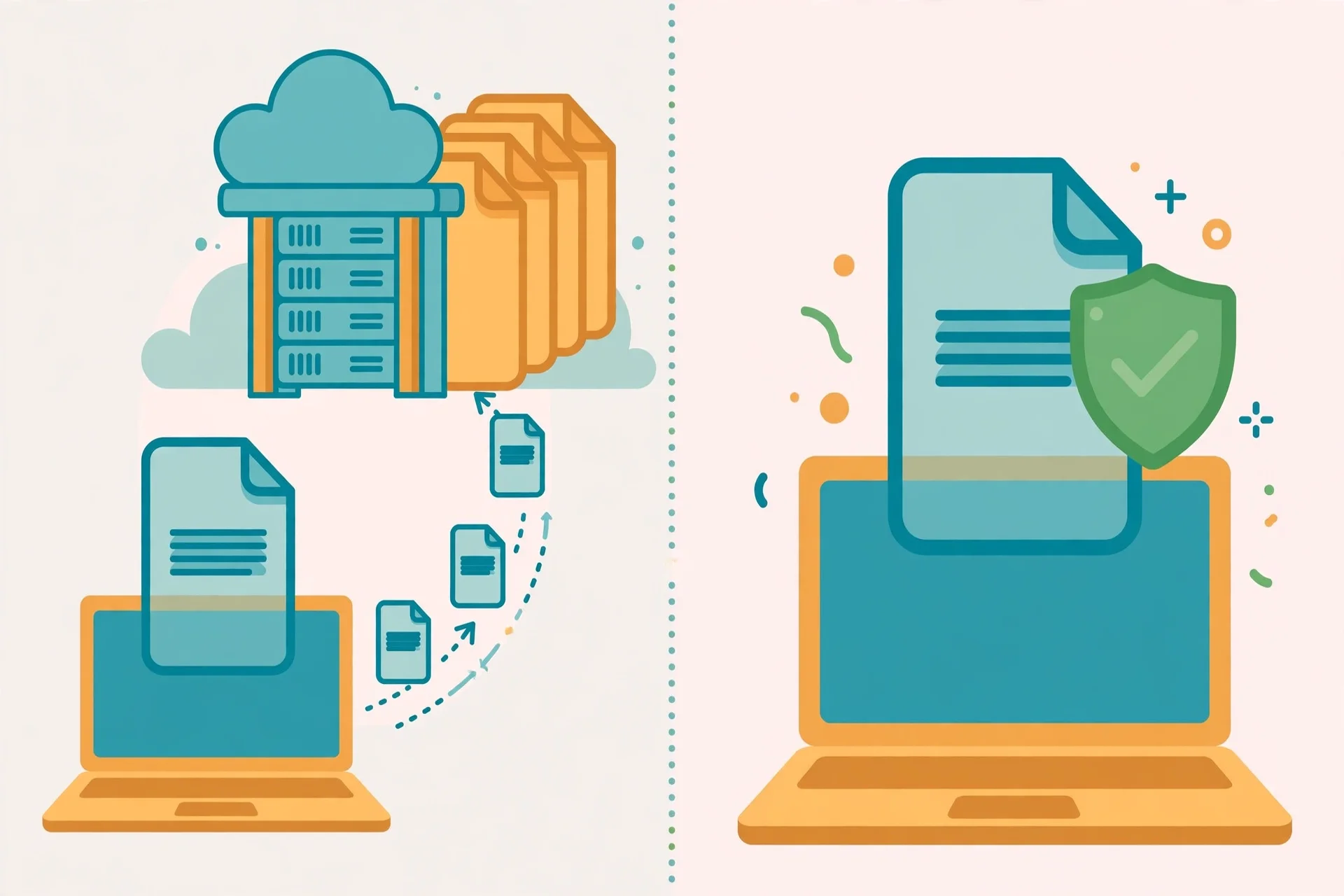
When you click Upload on a normal online PDF tool, your file travels over an encrypted connection to a server, gets written to disk or object storage, gets processed, and the result is written back for you to download. Reputable services then delete both copies on a timer, commonly within an hour.
The exposure isn't in the transfer. HTTPS protects the file while it moves. The exposure is in the window where the file sits on infrastructure you can't see, governed by rules you're taking on trust. A copy can sit in a backup that outlives the deletion timer, get cached by a content delivery network, appear in a server log, or sit with a subprocessor you were never told about. A deletion promise can't undo a transfer.
There's one more thing inside the file that most people forget. Phone photos usually carry EXIF data: GPS coordinates, the device model, and the exact date the shot was taken. Office documents can carry the author name, company, revision history, and comments that were never meant to be shared. Uploading the original sends all of that along too. A browser-based tool never receives any of it, because the file never leaves your device.
The real risks, and the ones people overstate
Not every worry about online PDF tools is equal. Some risks are real but dull, while some fears get far more attention than they deserve.
| Concern | How real | Why |
|---|---|---|
| Interception in transit | Low | HTTPS is genuinely effective. |
| Operator reads your file | Low | Reputable businesses have little to gain. |
| Copy survives past deletion time | Moderate | Backups keep their own schedule. |
| Breach exposes stored files | Moderate | Storage is what breaches reach. |
| Hidden processors see your file | Moderate | Common, and rarely prominent. |
| Trouble at work over client data | High | Uploading someone else's personal data can make the tool a data processor under rules like the GDPR. |
People overstate the idea that a free tool will sell your documents. Reputable tools with clear privacy policies don't sell them. People understate the boring risk: a file caught in a backup, a log, or a cache long after the main copy was deleted on schedule.
Which documents are fine, and which never are
When in doubt, treat the file as sensitive and use a browser-based tool or a desktop app instead of uploading it.
| Fine to upload | Never upload to a server-based tool |
|---|---|
| A poster, flyer, or public report | Passport, ID, or licence scans |
| Class notes or homework | Bank statements, tax returns, pay slips |
| A photo you would post publicly | Medical letters or health records |
| A public article you want as a PDF | Contracts, NDAs, signed documents |
| A recipe, menu, or quiz handout | Client records, or data about other people |
Work documents deserve extra care even when they look boring. A client list, an invoice, or an internal report can carry other people's names, addresses, and payment details. If your job involves other people's data, check your employer's policy before uploading anything work-related, and prefer a tool that processes files on your device.
How to check any PDF tool in 2 minutes
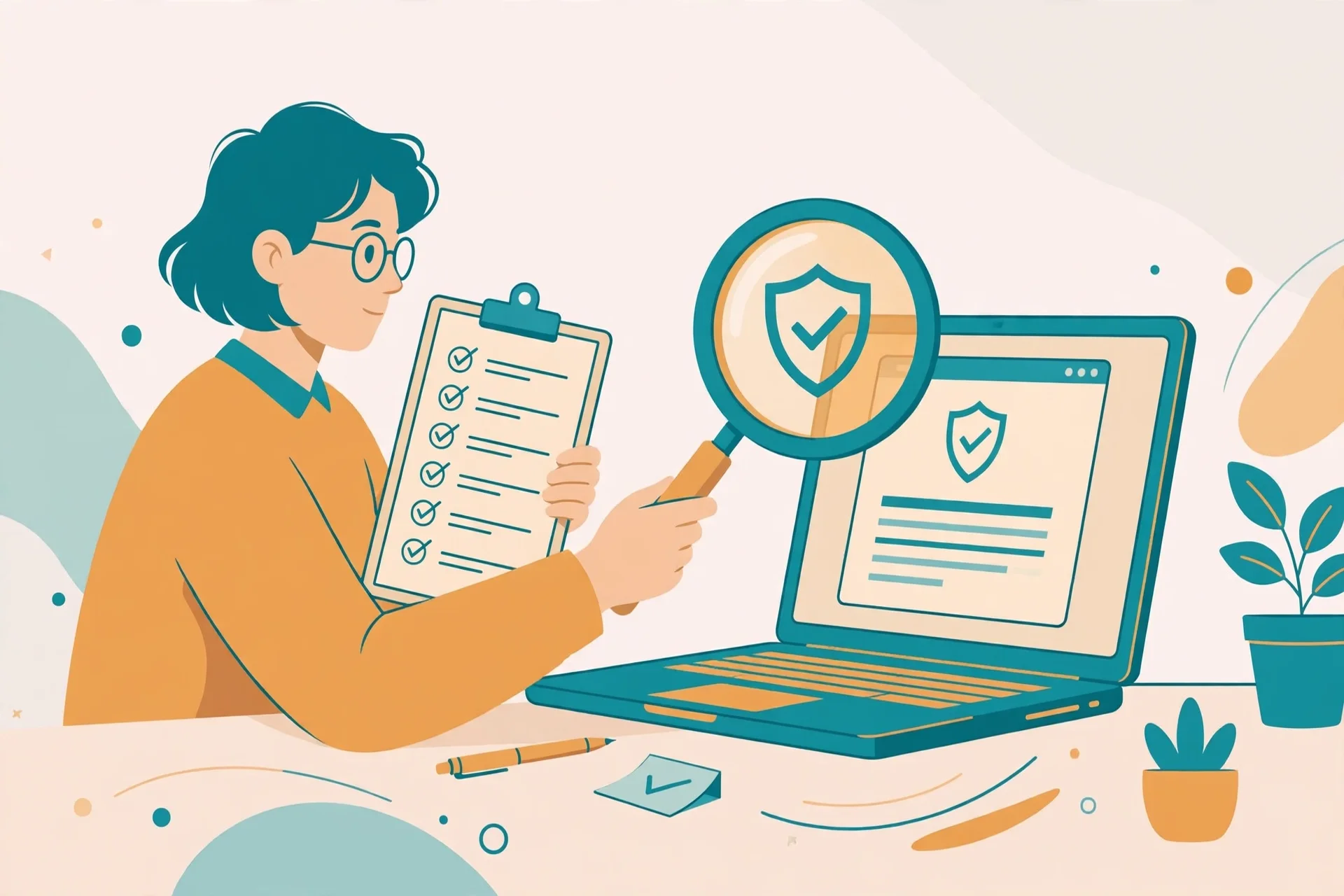
You don't have to trust a privacy policy. You can check where a tool processes your file yourself, with a test file, in about two minutes, using the Network tab in your browser.
Step 1: Make a test file. Create a one-page PDF with a nonsense sentence in it. Never use a real document for this check.
Step 2: Open the Network tab. Press F12, then click the Network tab, and keep the panel open.
Step 3: Run the tool on your test file. Upload the test PDF and do the merge, compression, or conversion you came for.
Step 4: Look for an upload. If you see a POST request about the size of your test file while the tool runs, the file left your device. If the Network tab stays quiet and the result appears anyway, the tool processed your file in the browser. That's the result you want.
Step 5: Read the privacy page before you trust the tool with a real file. Look for three things: a clear deletion time ("files are deleted after 1 hour" beats "we delete files regularly"), a named company behind the site, and a statement that files aren't shared with third parties. A missing privacy page or a vague promise is a warning sign.
If the tool fails this check, that doesn't make it a bad tool. It makes it the wrong tool for sensitive files. Use it for flyers and homework, and a browser-based tool for the rest.
Browser-based tools remove the question
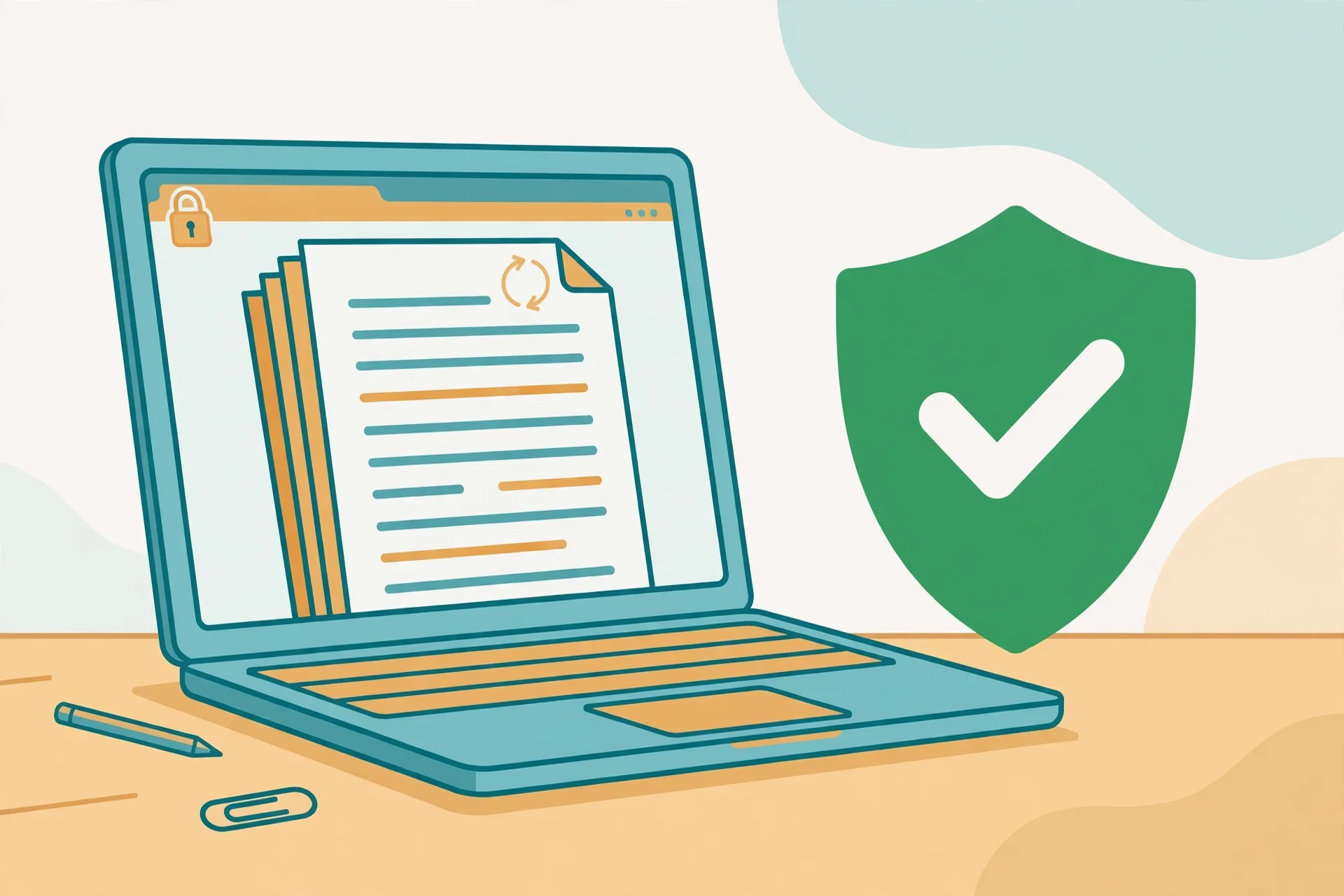
There are two ways an online tool can handle your file. Server-side processing uploads the file, processes it elsewhere, and sends the result back. Browser-side processing runs the tool entirely in your browser, so no upload happens and no server ever touches your document. It's the safest option for privacy, and it's increasingly common.
A browser-based tool works offline once the page has loaded, needs no account, and has no daily quota, because there's no server doing the work. The tools on this site work this way: Merge PDF, Split PDF, Compress PDF, JPG to PDF, and PDF to JPG run in your browser using pdf-lib. Your files are processed on your device and never uploaded, and when you close the tab, the working files disappear with the session.
Browser-based tools do have limits. Very large files can be slow, because your device does the work instead of a server, and some jobs like OCR on scanned pages need server power or a desktop app. For everyday jobs like merging, splitting, compressing, converting, and rotating, the browser is more than fast enough.
Free tools, ads, and deletion promises
A free tool has to be paid for somehow, usually by advertising, by converting a fraction of users into subscribers, or both. That funding shapes the free tier you get: Smallpdf's free plan allows only a couple of tasks before it asks you to upgrade, and iLovePDF caps free uploads by file size. Ads also bring analytics scripts and tracking pixels onto the page, and a Terms of Service may grant the operator a broad licence to process or retain your content. Deletion promises deserve the same scepticism: reputable services do delete the main copy on schedule, commonly within an hour, but you have no way to verify that, and backups, caches, and logs follow their own schedules. Treat a deletion promise as a good sign, not a guarantee.
Common mistakes and fixes
Uploading a passport scan to the first tool in the search results. Fix it by using a browser-based tool or a desktop app for identity documents instead.
Trusting "we delete your files" without checking where processing happens. Fix it with the two-minute Network tab check above.
Uploading a work document with client data. Fix it by checking your employer's policy first, and using a browser-based tool instead.
Sending the original photo instead of a clean copy. Fix it by stripping metadata before upload, or by using a tool that never receives the file.
Using a tool with no privacy page and no company behind it. Fix it by picking a tool with a real privacy policy, a named operator, and a clear deletion time.
Assuming a paid tool is automatically safer. Fix it by checking the processing model, not the price. A free browser-based tool is safer than a paid server-side tool for sensitive files.
Frequently asked questions
Is it safe to upload a PDF to an online tool?
For everyday files like class notes or a public report, yes, the risk is low with a reputable tool. For sensitive files like passports, bank statements, or contracts, no, unless the tool processes the file in your browser, so nothing is uploaded.
Do online PDF tools keep my files?
Reputable services delete the main copy on a timer, commonly within an hour, but backups, caches, and logs can keep copies longer, and you can't verify the deletion yourself. A browser-based tool never receives your file.
Can I check whether a PDF tool uploads my file?
Yes. Open your browser's Network tab with F12, run the tool on a test file, and watch for a POST request about the size of your file. If no large upload appears, the tool worked in your browser.
Are free PDF tools safe?
Most well-known free tools are safe for everyday files, but free tiers come with limits, ads, and tracking scripts. The safety question is the same as for paid tools: does the tool upload your file?
What is the safest way to merge a PDF?
Use a browser-based merge tool or a desktop app, so the file never leaves your device. Open the free Merge PDF tool on this site, add your files in order, and merge them without any upload.
Should I upload a passport or ID scan to a PDF tool?
No. Never upload identity documents to a server-based free tool. Use a browser-based tool or a desktop app, and check with the Network tab that no upload happens at all.
Try the free tool
The short version: everyday files are fine on any reputable tool, and sensitive files belong in a tool that never uploads them. If the file would embarrass you, cost you money, or cause trouble at work in a breach disclosure, don't upload it. Spend two minutes checking any new tool with the Network tab before you trust it.
When you're ready, open the free Merge PDF tool to combine files without an upload, or the free Compress PDF tool to shrink a file for email. If your file is a visa application, read how to merge PDFs for a visa application first.
How this guide was put together: the processing claims for the services named here come from their published privacy and tool pages. The tools on this site run in the browser with pdf-lib and no upload, as described on their tool pages. Use the Network tab check above on any tool before trusting it with a real file.
Privacy note: the Merge PDF, Split PDF, Compress PDF, JPG to PDF, and PDF to JPG tools on this site need no account and no signup. Your files are processed in your browser and never uploaded, never stored, and never shared with third parties. When you close the tab, the working files disappear with the session.
Last updated: November 6, 2026
Related tools and guides
Merge PDFs for a Visa Application
One file, in the right order, for sensitive documents.
Read article →